Find the little cup.
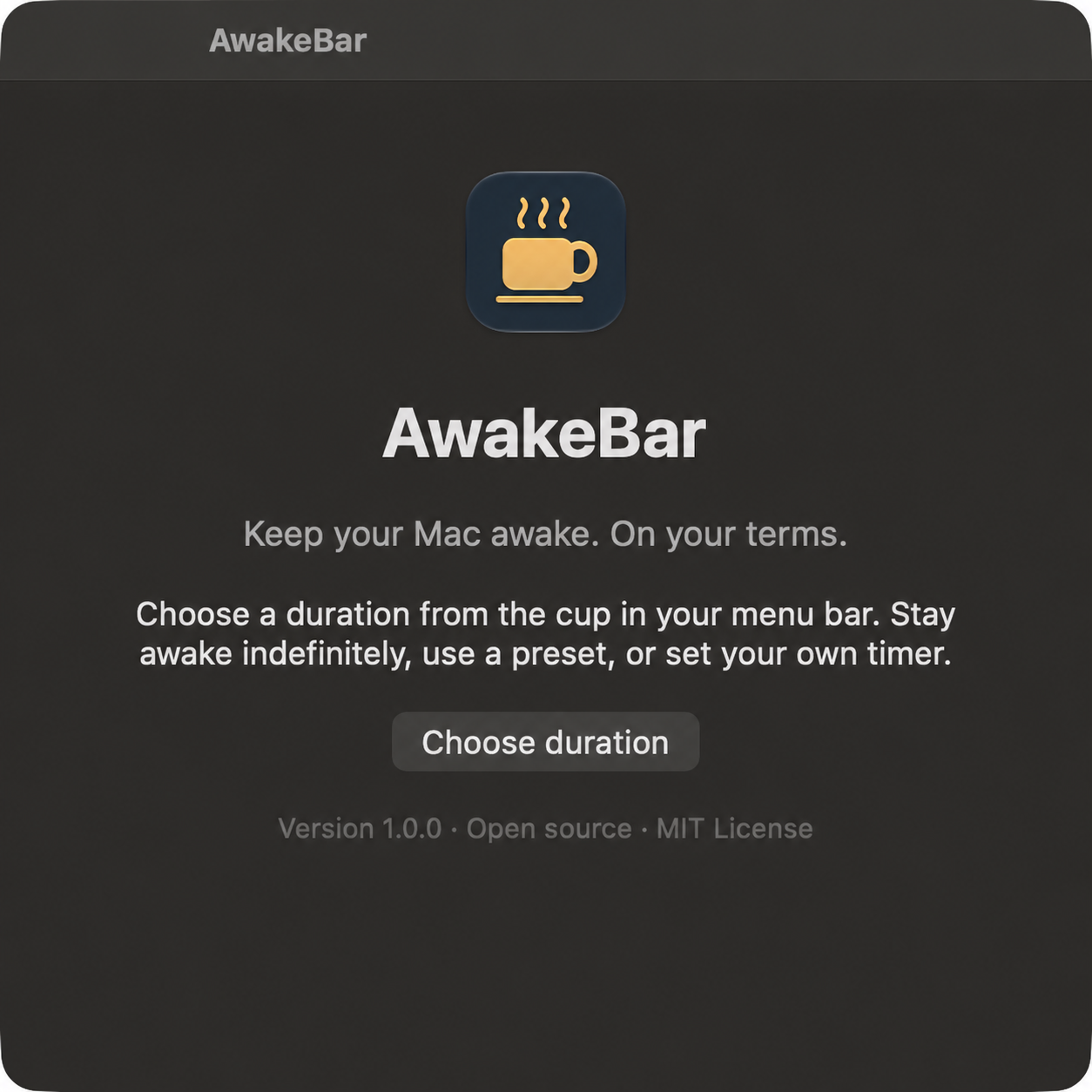
Open AwakeBar. It lives in your menu bar, without a Dock icon or a background service.
 AwakeBar1.0
A small app for macOS
Keep your Mac awake for as long as you need.
A quiet little utility, right in your menu bar.
Free & open source · macOS 14+ · Apple Silicon & Intel
Locally signed, not notarized. Installation notes
Less fiddling. More doing.
Open AwakeBar. It lives in your menu bar, without a Dock icon or a background service.
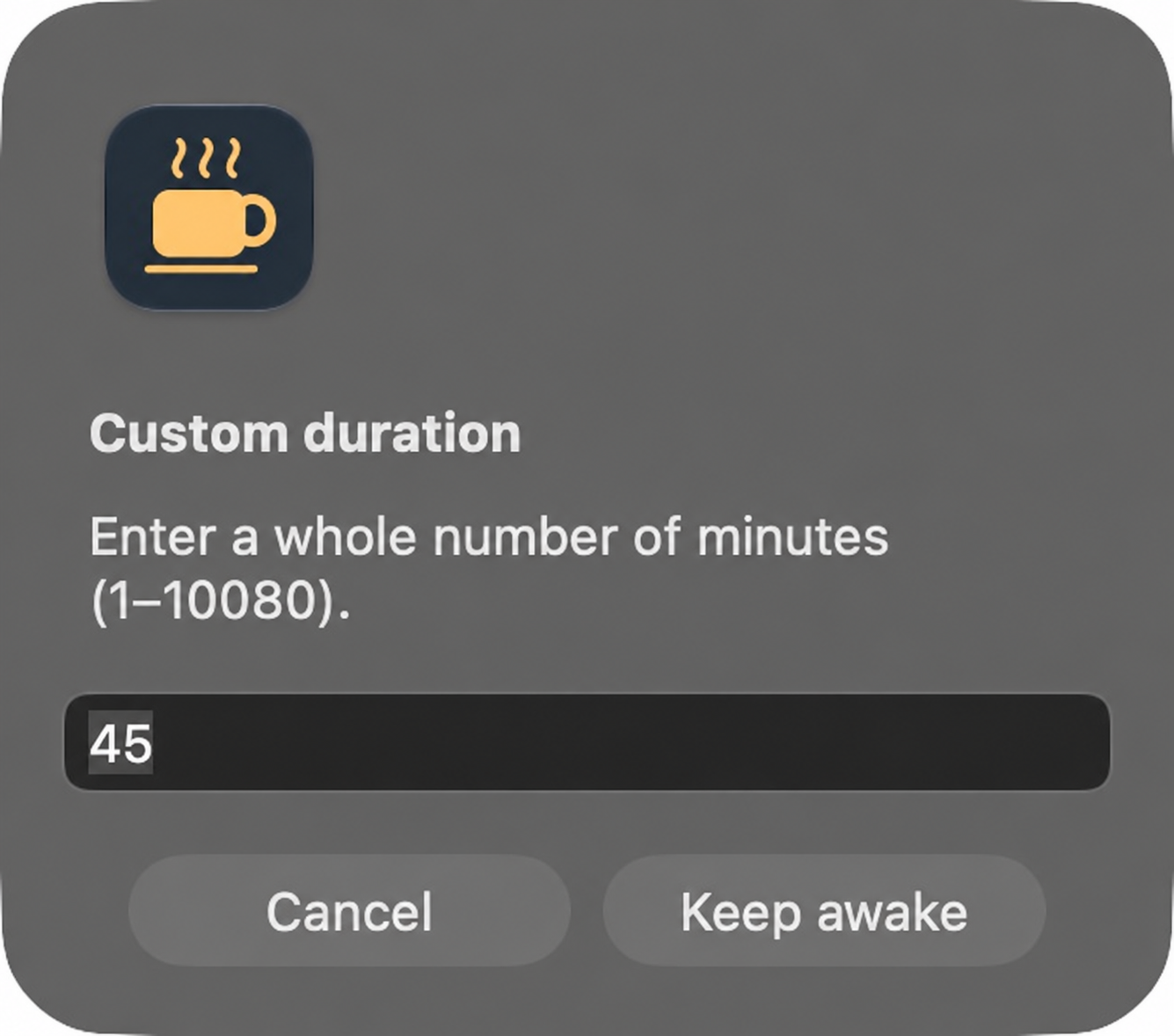
A quick preset, a custom duration, or indefinitely. A visible countdown keeps you in the loop.
Your timer ends automatically. Or choose “Allow sleep” at any time. Quit the app and its assertions are released.
Made for your Mac
No account. No subscription. No telemetry.
Just native macOS controls and a little extra time.
Built with Swift, AppKit, and IOKit. No third-party app dependencies.
Temporary power assertions. No permanent changes to your sleep preferences.
MIT licensed. Read the source, build it yourself, or make it better.
The current build is ad hoc signed and not notarized. macOS may require explicit approval in System Settings → Privacy & Security. You can also build from source.
AwakeBar prevents idle display sleep and periodically declares user activity. Manual locking, lid closure, forced sleep, and managed policies can still apply. Automatic-lock behavior depends on your macOS settings. AwakeBar does not unlock a locked Mac.